Your Complete Translate & Learn App
Everything you need
Powerful Features for Language Learners
Quick Entry
Add words instantly with a clean form. Supports Markdown formatting for rich content.
Auto Translate
Instantly fetch accurate Vietnamese meanings for any English word with a single click.
Spaced Repetition
Memorize fast and retain long-term by reviewing words you struggle with the most.
Batch Import
Import dozens of words at once by pasting a list. Parse, preview, and import in seconds.
Folder Organization
Create, rename, and manage folders to keep your vocabulary neatly organized by topic.
Audio Pronunciation
Listen to correct pronunciation for every word with built-in text-to-speech.
Keyboard Shortcuts
Navigate reviews, add words, and manage your vault efficiently with keyboard shortcuts.
Dark & Light Mode
Beautiful themes that adapt to your preference. Easy on the eyes, day or night.
Mobile-First PWA
Install as a Progressive Web App. Works offline and feels native on any device.
Private & Secure
Your data is protected with Supabase row-level security. Only you can access your words.
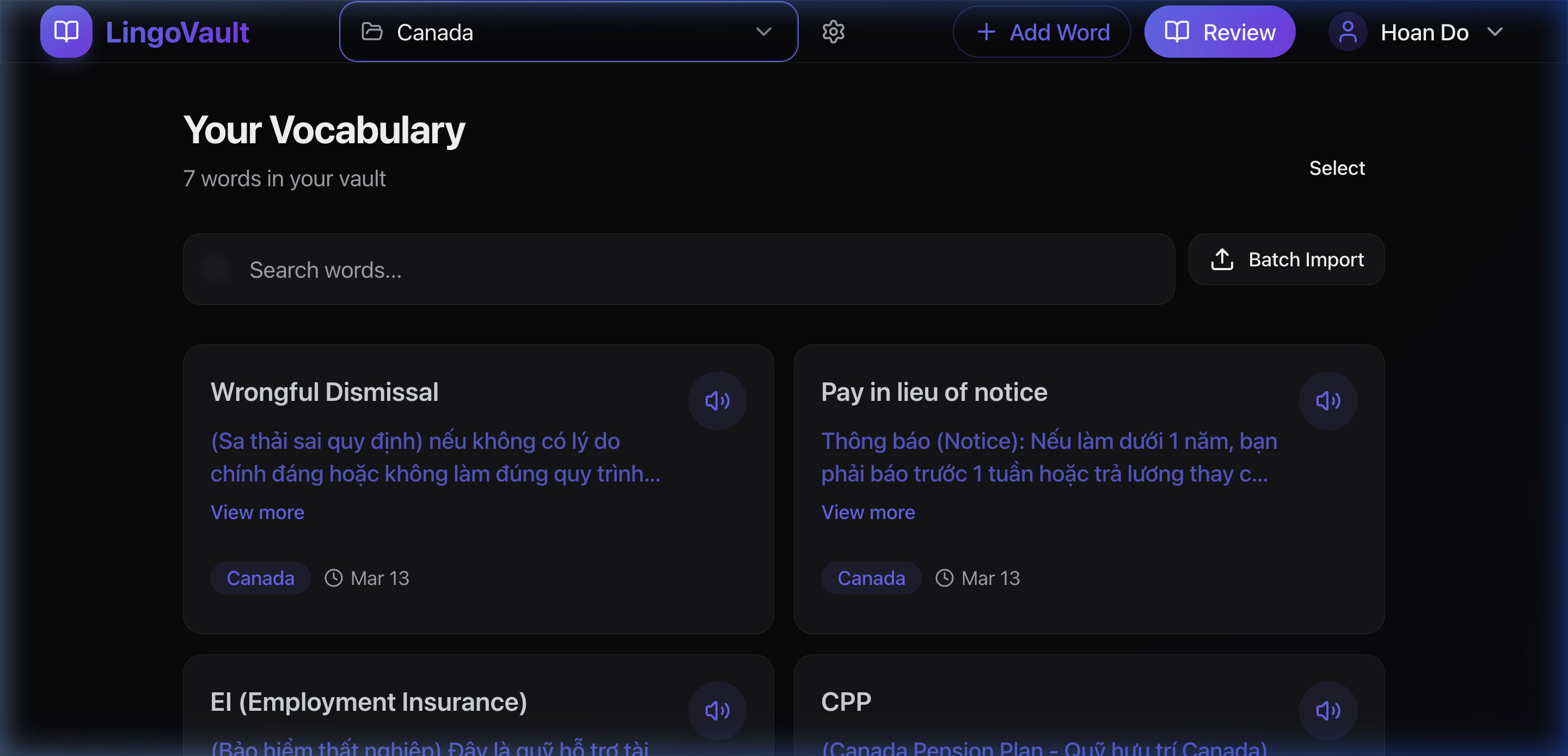
Your Vocabulary Dashboard
See all your words at a glance in beautifully designed bilingual cards. Search, filter by folder, and manage your entire vocabulary from one central hub.
Bilingual Cards
English and Vietnamese displayed side by side with rich Markdown support.
Instant Search
Debounced search filters cards in real time across all your vocabulary.
Infinite Scroll
Smooth loading as you scroll — no pagination buttons needed.
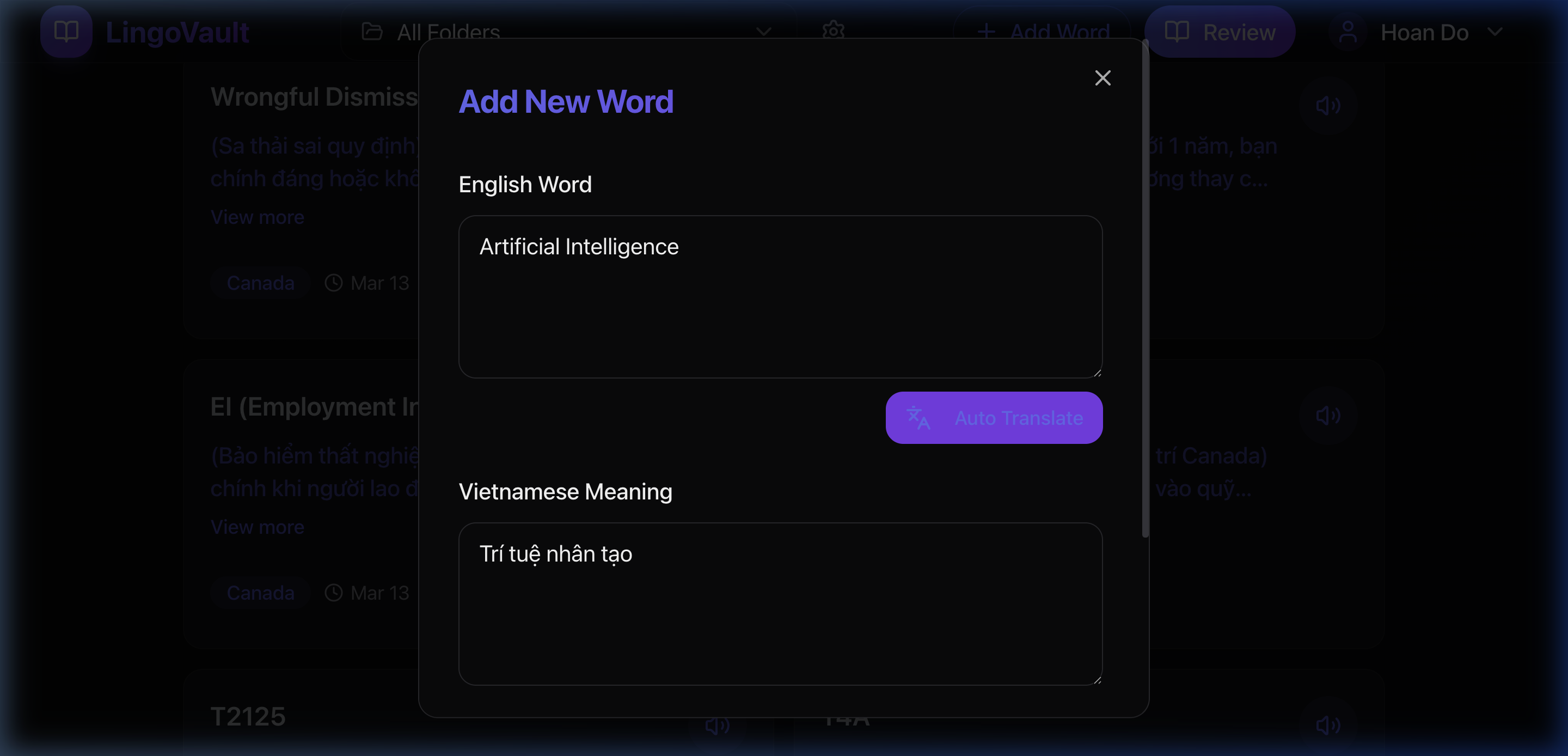
Instant Auto-Translate
Stop switching between apps. Just type an English word and hit 'Auto Translate' to instantly get the accurate Vietnamese meaning powered by advanced translation models.
AI-Powered Translation
Accurate English-Vietnamese translation built right into your add word workflow.
Save Time
No need to look up meanings. Translate on the fly and save to your vault instantly.
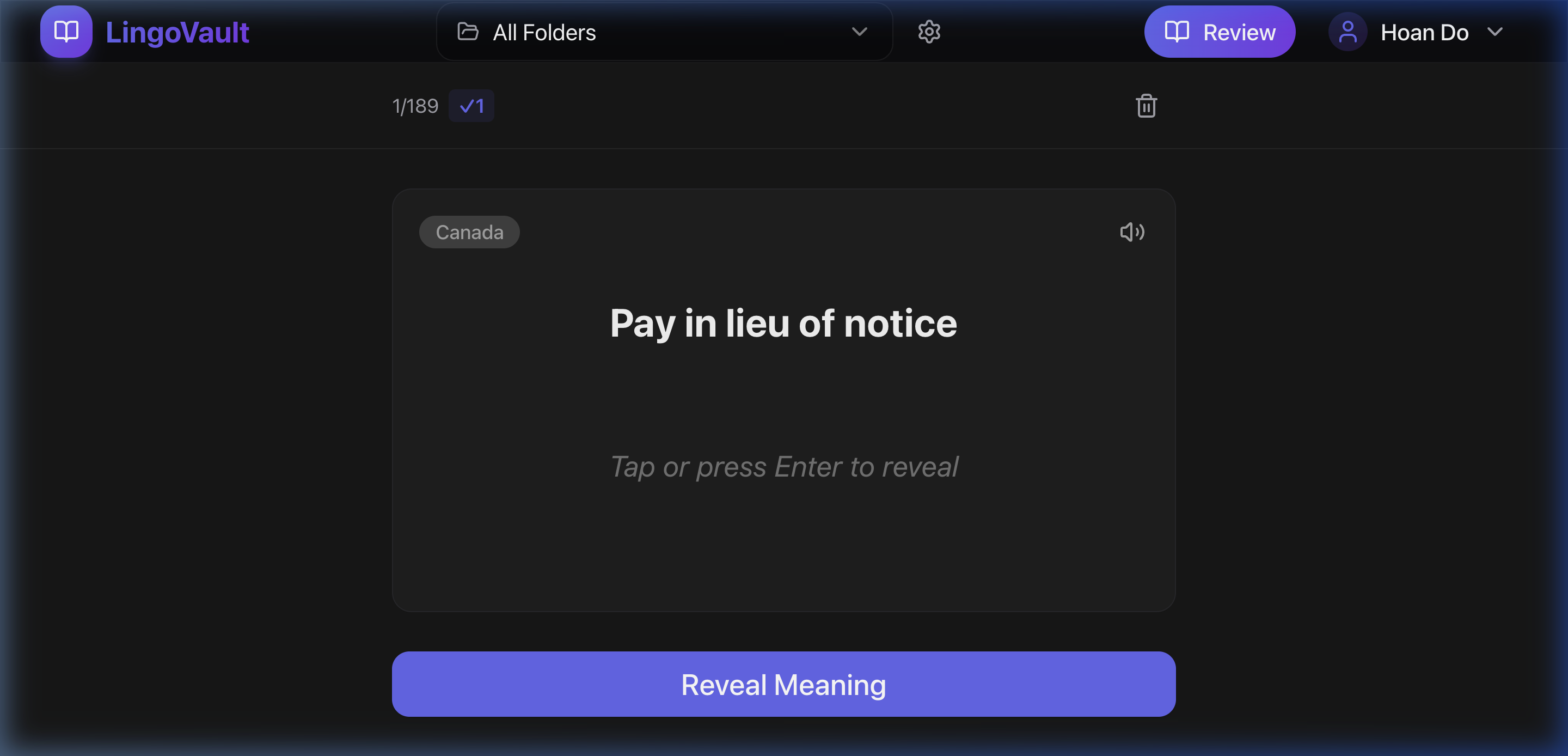
Interactive Flashcard Review
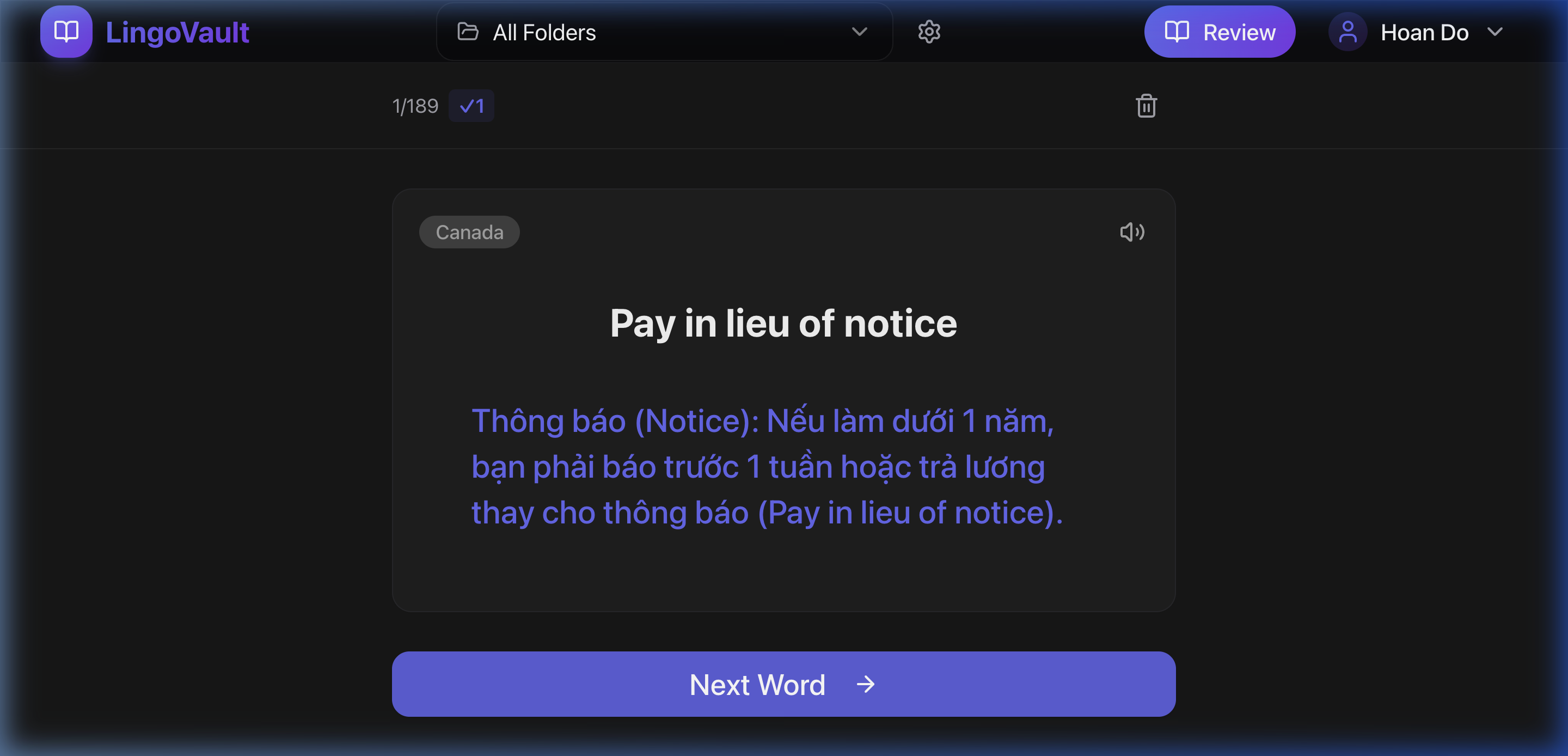
Master your vocabulary with an engaging flashcard experience. Words are sorted by least reviewed first, ensuring you focus on what needs the most practice.
Spaced Repetition
Least-reviewed words appear first, optimizing your study sessions.
Keyboard Driven
Press Enter / Space to reveal & advance, D to delete, S to speak.
Audio Playback
Hear the correct pronunciation with one tap or keypress.
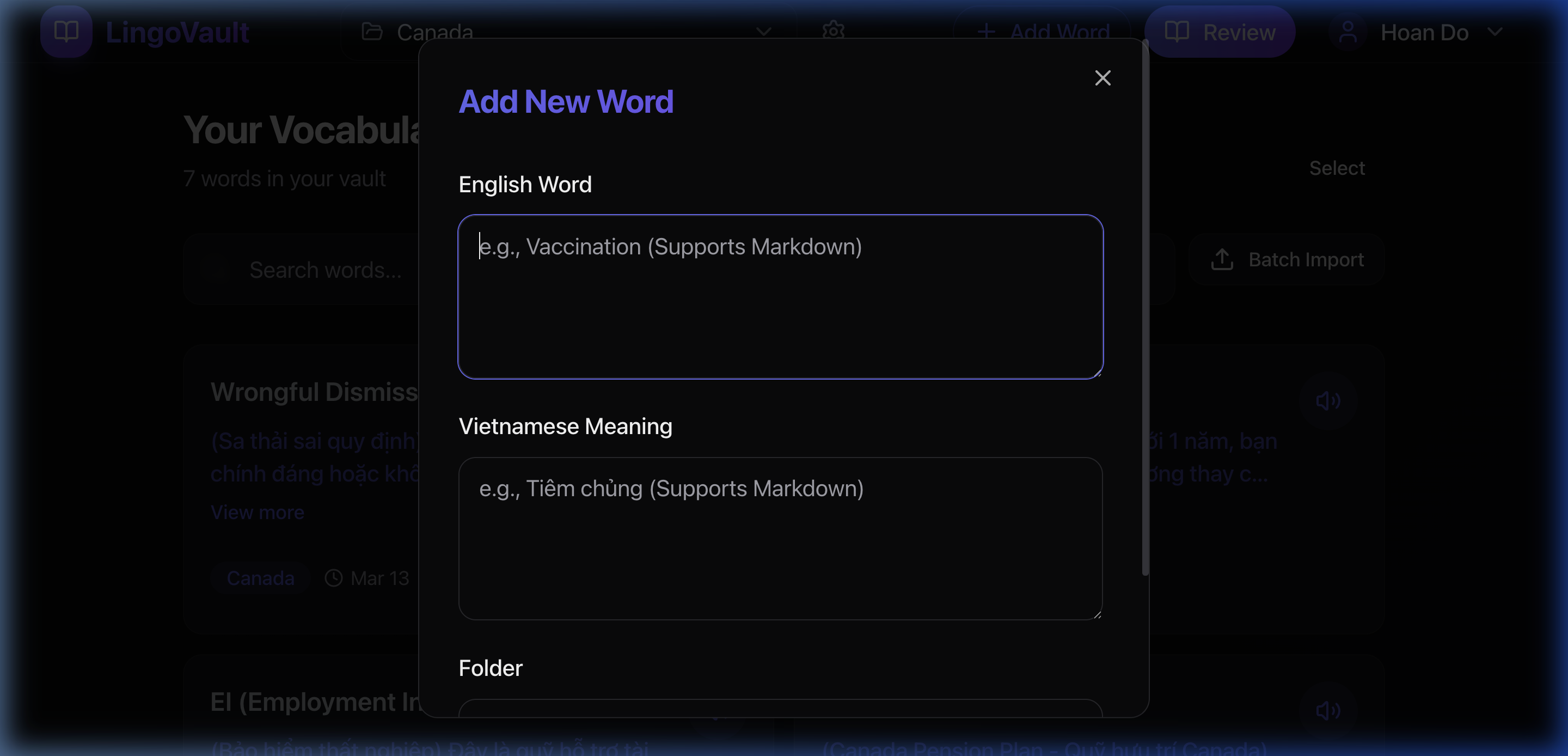
Add Words Effortlessly
A clean, focused dialog lets you add vocabulary entries one at a time. Enhance definitions with examples and formatting.
Markdown Support
Format definitions with bold, italic, lists, and more.
Auto Folder Selection
Automatically uses your currently selected folder for new entries.
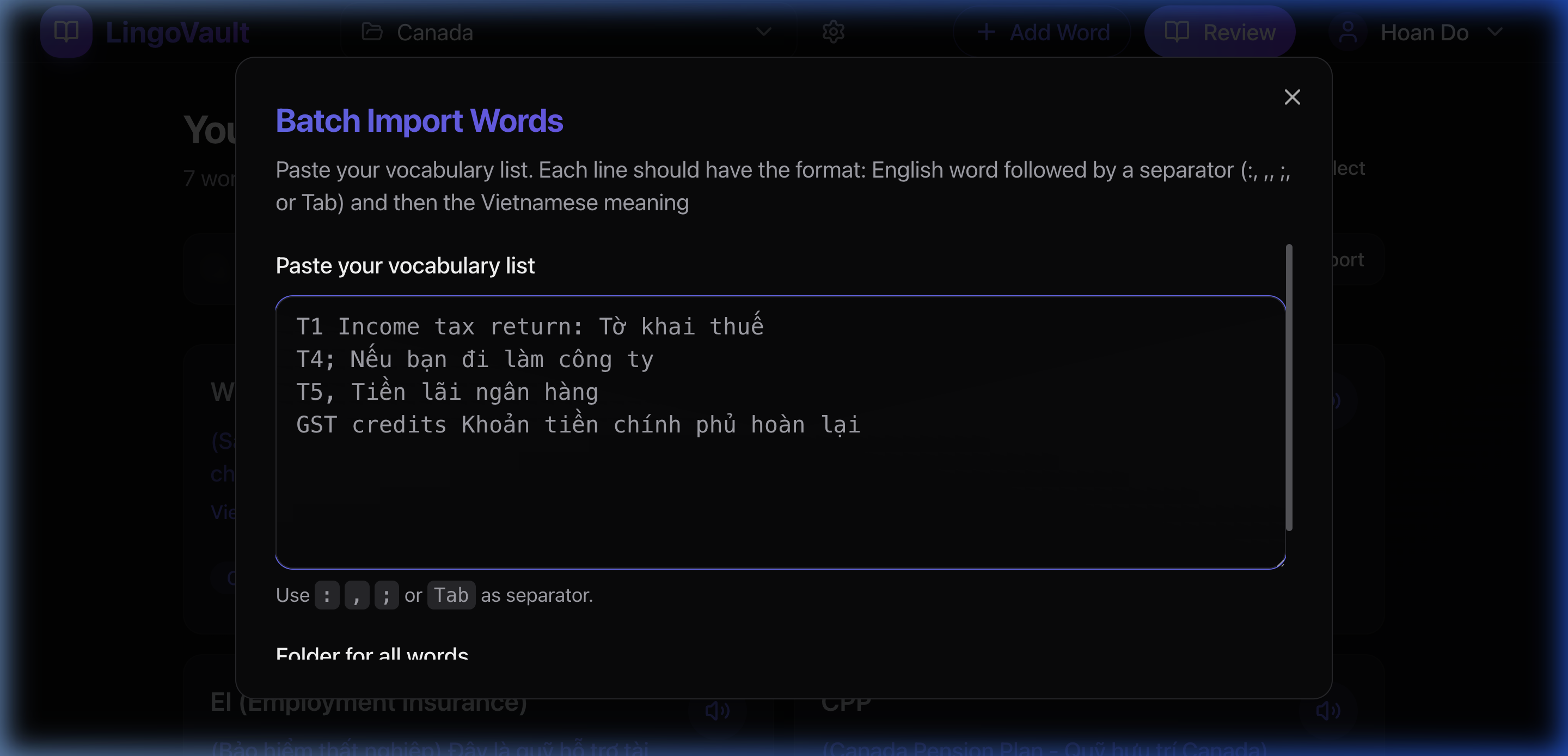
Batch Import in Seconds
Got a list of words? Paste them all at once. LingoVault intelligently parses your text using colons, commas, semicolons, or tabs as separators. Preview and edit before importing.
Smart Parsing
Supports :, ;, comma, and tab separators — paste from any source.
Preview & Edit
Review parsed entries, fix any issues, and remove unwanted items before import.
Organize with Folders
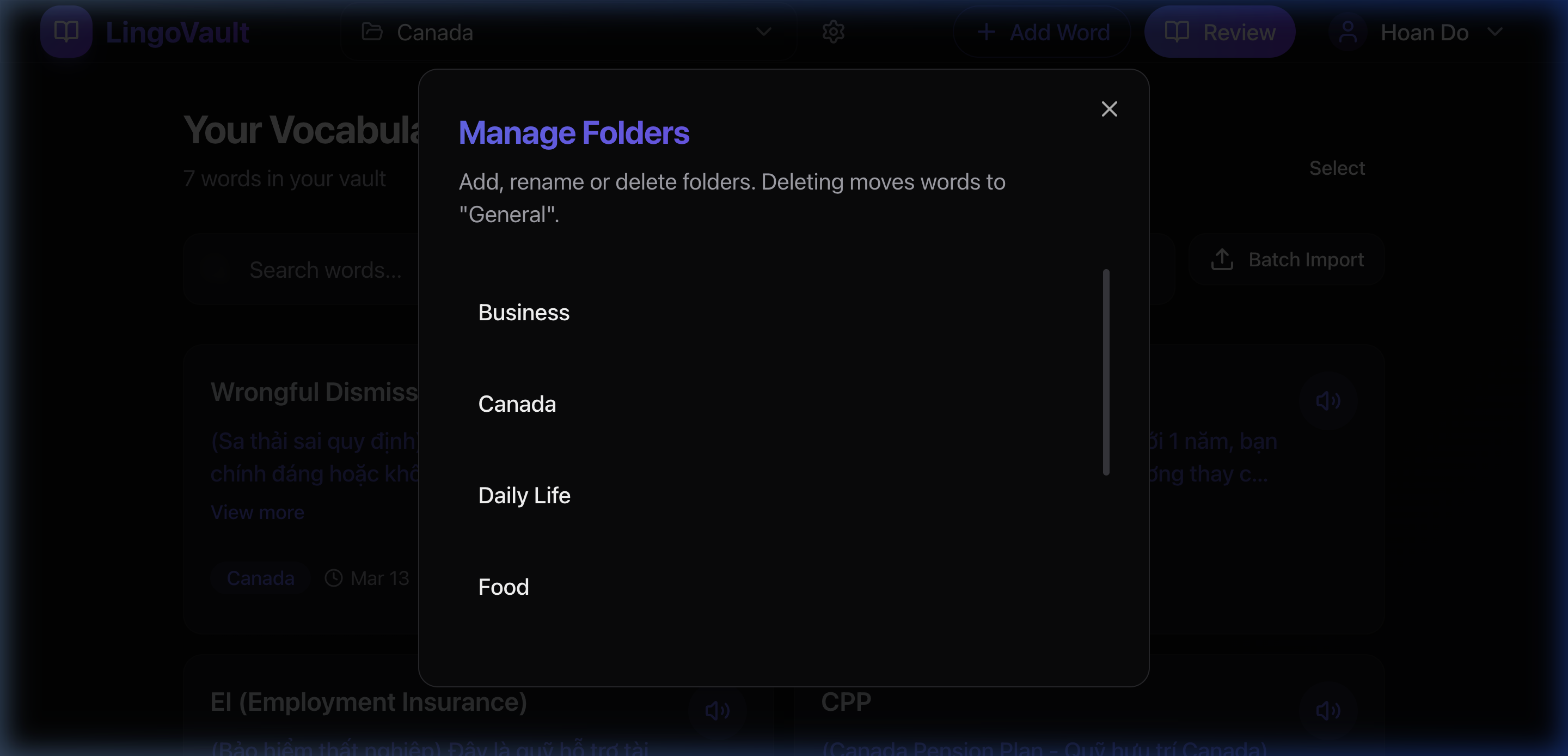
Create custom folders to organize vocabulary by topic — Business, Travel, Daily Life, or any category you need. Rename or delete folders with ease.
Unlimited Folders
Create as many folders as you need to stay organized.
Quick Filtering
Switch between folders from the navbar to instantly filter your dashboard and reviews.